WordPress 7.0, released in 2026, dropped support for PHP 7.2 and 7.3. The minimum supported version is now PHP 7.4, and the official recommendation is PHP 8.3 or greater. If your Kenyan WordPress site is still running PHP 7.4, 8.0, or 8.1, you are on end-of-life software with no security fixes from the PHP project. This is a practical upgrade guide for Kenyan WordPress site owners.
Why upgrade now
PHP 7.4 reached end of life in November 2022. PHP 8.0 and 8.1 followed in November 2023 and November 2024. Running EOL versions means no security patches, no performance improvements, and increasing plugin incompatibility. PHP 8.x brings a 14–20% speed gain on WordPress over PHP 7.4 — real performance for the same hosting plan. Security and speed are the two reasons to upgrade, and both affect your visitors directly.
Check your current version
Log into your WordPress admin, go to Tools → Site Health → Info, and look at the Server section. It shows your PHP version. You can also check via your hosting control panel (cPanel, Plesk, or a custom dashboard) under "Select PHP Version" or similar. If you see 7.2, 7.3, 7.4, 8.0, or 8.1, plan an upgrade.
Back up everything first
Before touching PHP, take a full backup: database, wp-content, themes, plugins, and uploads. Most Kenyan hosts offer one-click backups, or use a plugin. Do not skip this. A version mismatch with an old plugin can take the site down, and you need a restore path.
Update WordPress, theme, and plugins
Update WordPress core, your theme, and every plugin before changing PHP. Modern, maintained plugins support PHP 8. Abandoned plugins are the main risk — check the "last updated" date in the plugin repository. Anything not updated in two years should be replaced before upgrading.
Test on staging
Never upgrade production PHP without testing first. Create a staging copy of your site, switch the staging PHP version to 8.2 or 8.3, and click through the key pages: homepage, contact form, shop checkout, booking, and login. Watch for blank pages, fatal errors, and broken layouts. If something breaks, note the plugin or theme causing it and fix or replace it before touching production.
Make the switch
Once staging passes, switch production to PHP 8.2 or 8.3 via your hosting control panel. Monitor the site for 24–48 hours: check error logs, test forms, and confirm the site loads quickly. If all is well, you are done. PHP 8.2 receives security fixes only until December 31, 2026, so target 8.3 or newer for longer support.
What if something breaks
Roll back to the previous PHP version from your hosting panel while you fix the issue. Most breaks come from a single outdated plugin. Deactivate plugins one at a time on staging to isolate the culprit, replace it with a maintained alternative, then retry the upgrade.
Hosting matters
Not all Kenyan hosts offer PHP 8 easily. If yours does not, it is time to move. A host that cannot offer current PHP is not maintaining the rest of the stack either. Look for hosts that let you select PHP version, provide staging, and include backups.
Where to go next
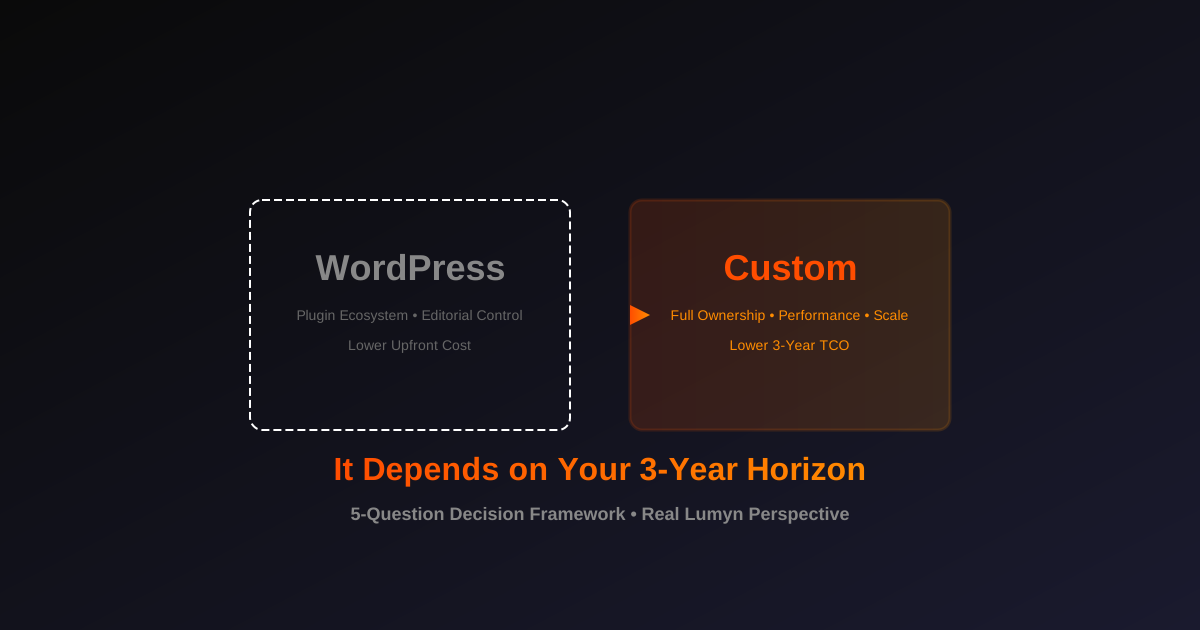
After upgrading, measure the speed gain. Our guide to SEO for Kenyan businesses explains how site speed affects rankings, and custom website vs WordPress helps you decide whether WordPress is still the right home for your project.
Build what comes next
Want to explore what these ideas could mean for your business? Start a conversation with our team.